
Match packaging codes before you reorder
Create a clear link between buyer descriptions, supplier codes and approved packaging samples before preparing a repeat order.
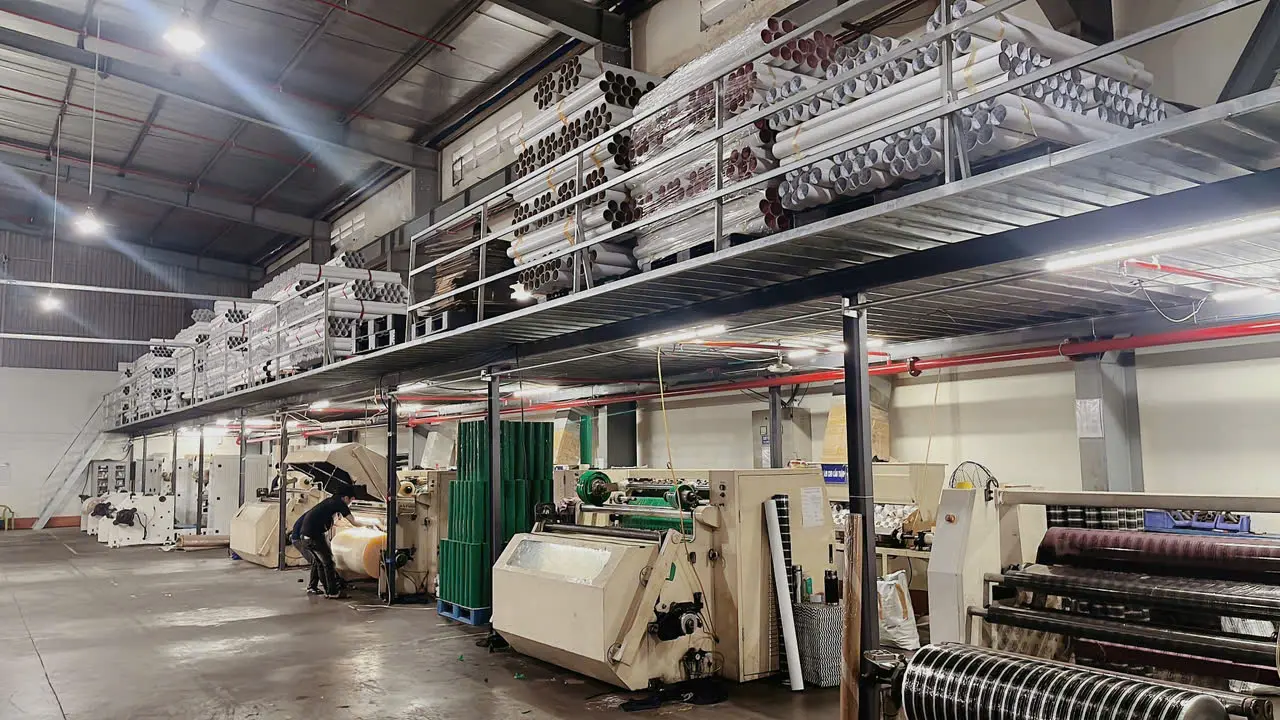
Start with the item you actually need
Before preparing a packaging reorder, write down the exact item your packing team intends to use. Keep the internal stock code, supplier reference and buyer description in separate fields. Treat a similar name or number as a reason to check the match, rather than approval to order.
Build the record around a known reference: an approved sample, a previous specification or the label from the item currently in use. State which reference you have and its date. If the only evidence is a description in an old email, identify that limitation before requesting a quotation.
Make the physical specification visible
Add the characteristics needed to identify the item. For bands, record the stated size, colour and bag weight alongside the relevant dimensions. For tape or film, capture the labelled width, length and thickness, plus any other specification your team has approved. Do not fill missing fields from another product with a similar code.
Photograph labels clearly and link them to the matching row in your record. Keep the supplier's wording intact in one column; use a separate column for your internal description. This leaves a visible trail when two businesses use different names for the same proposed item.
Separate identity from packing quantity
Give each quantity its unit. Record pieces per bag, bags per carton or rolls per carton only where that information has been confirmed for the specific item. Keep pallet quantities separate from carton quantities, and note whether a quoted weight refers to the product or the complete packed unit.
For a hypothetical example, an offer of 12 cartons containing 24 bags each represents 288 bags. That calculation does not tell you the number of pieces in each bag, the bag weight or whether the proposed colour matches your requirement. Leave those as separate checks.
Use a simple mapping status
Assign each proposed code match a status: confirmed, awaiting evidence or rejected. Next to it, record the source, reviewer and review date. A confirmed status should identify what was checked, rather than simply recording that someone recognised the product name.
When a supplier proposes an alternative, create a separate row. Describe the differences and identify who can approve them. Keep the original requirement visible so that an alternative colour, dimension or packing format does not quietly replace the item your team requested.
Check the quotation against the mapping
Before progressing a quote, compare every line with the approved mapping record. Check the code, description, quantity and unit together. Ask the supplier to resolve any mismatch in writing, using the affected line reference, and retain that reply with the version being reviewed.
Keep stock and timing questions separate from identity checks. A product match is not confirmation that the item is available, allocated or ready for delivery. Record the current response to each question, including any conditions, instead of carrying an earlier availability statement into a new order.
Keep the record useful after delivery
At receipt, compare the supplied labels and packing details with the approved order under your normal receiving process. Record any discrepancy against the same item reference and assign an owner to resolve it. Update the mapping only after the change has been reviewed.
For your next packaging enquiry, use the ANYTAPE product range linked below and prepare the reference code, label photographs, required quantity and intended application. A clear identification brief gives the quotation review a specific starting point without assuming that an unfamiliar code is an equivalent product.